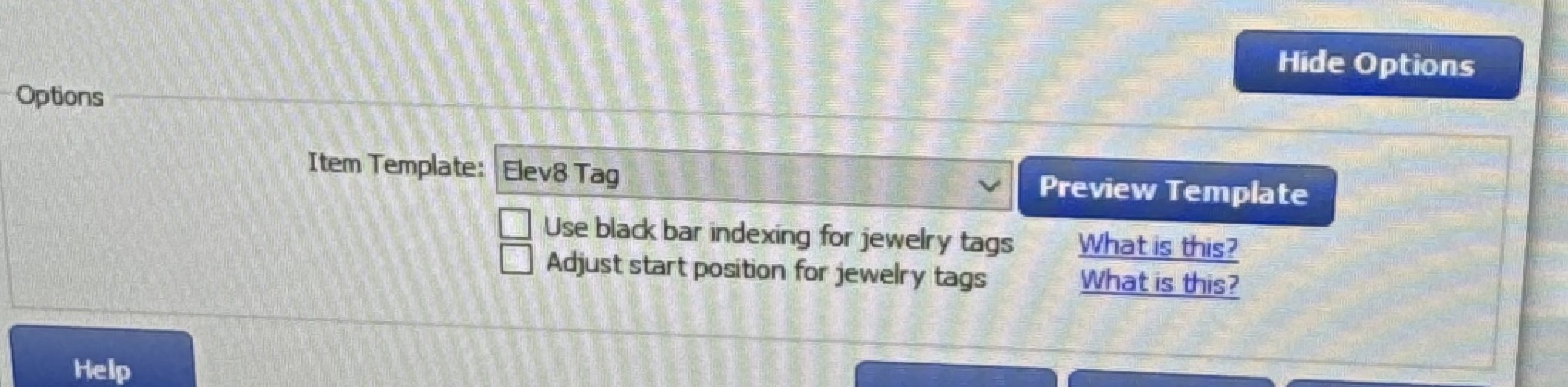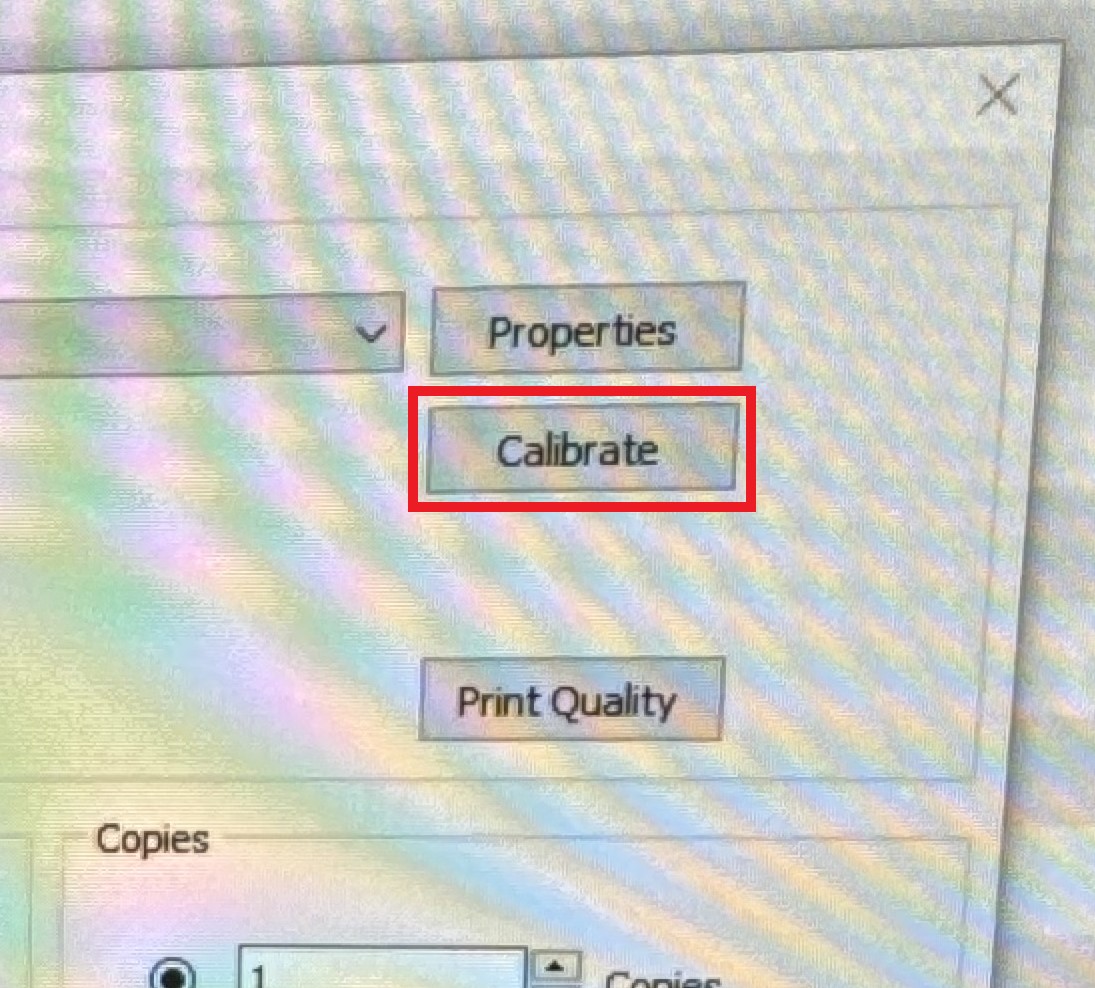
Printing Location Tags for Inventory.
Go to the Creation Computer, in the production floor area.
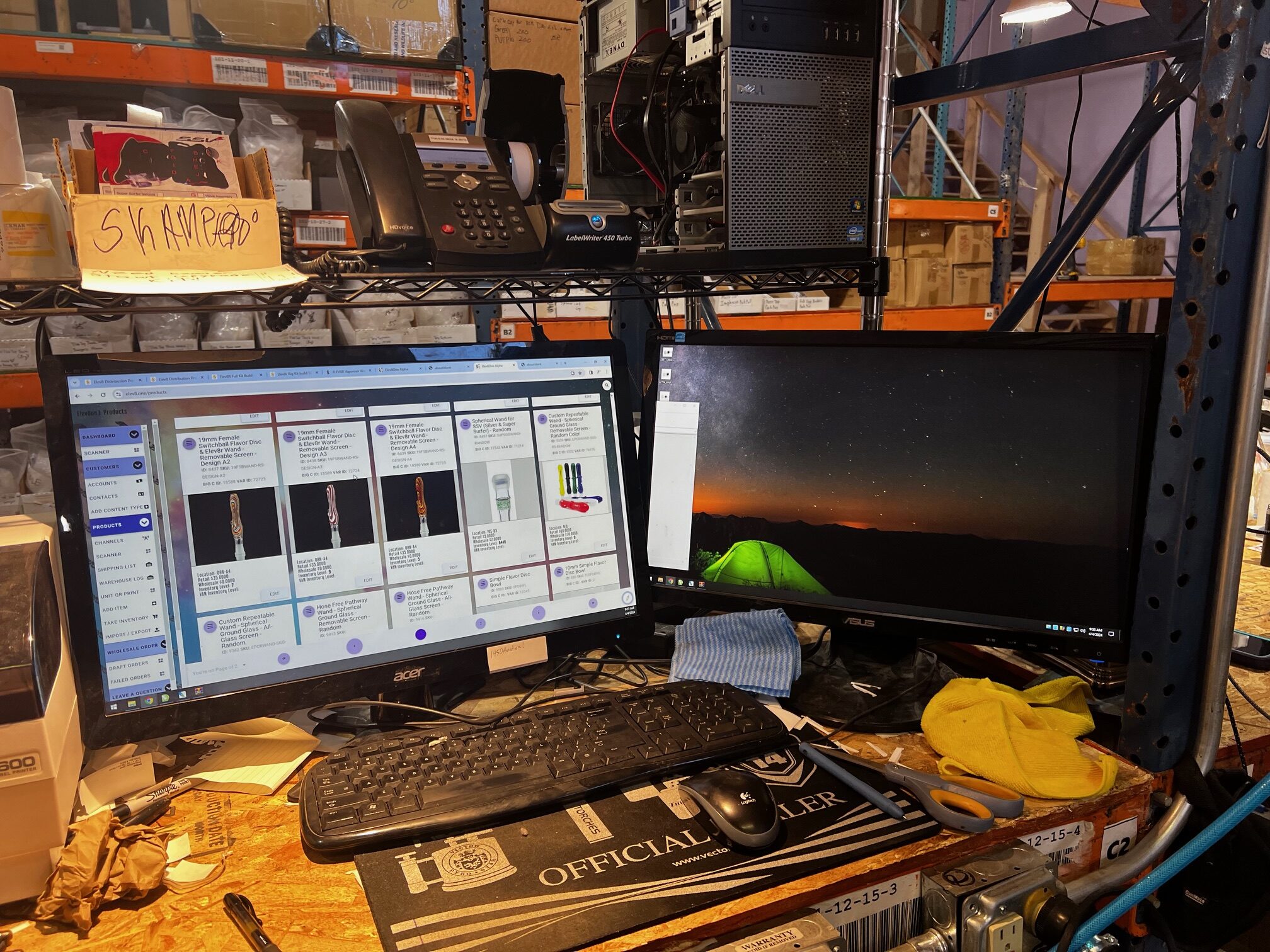
Make sure a full Label is fed into the Dymo Printer.
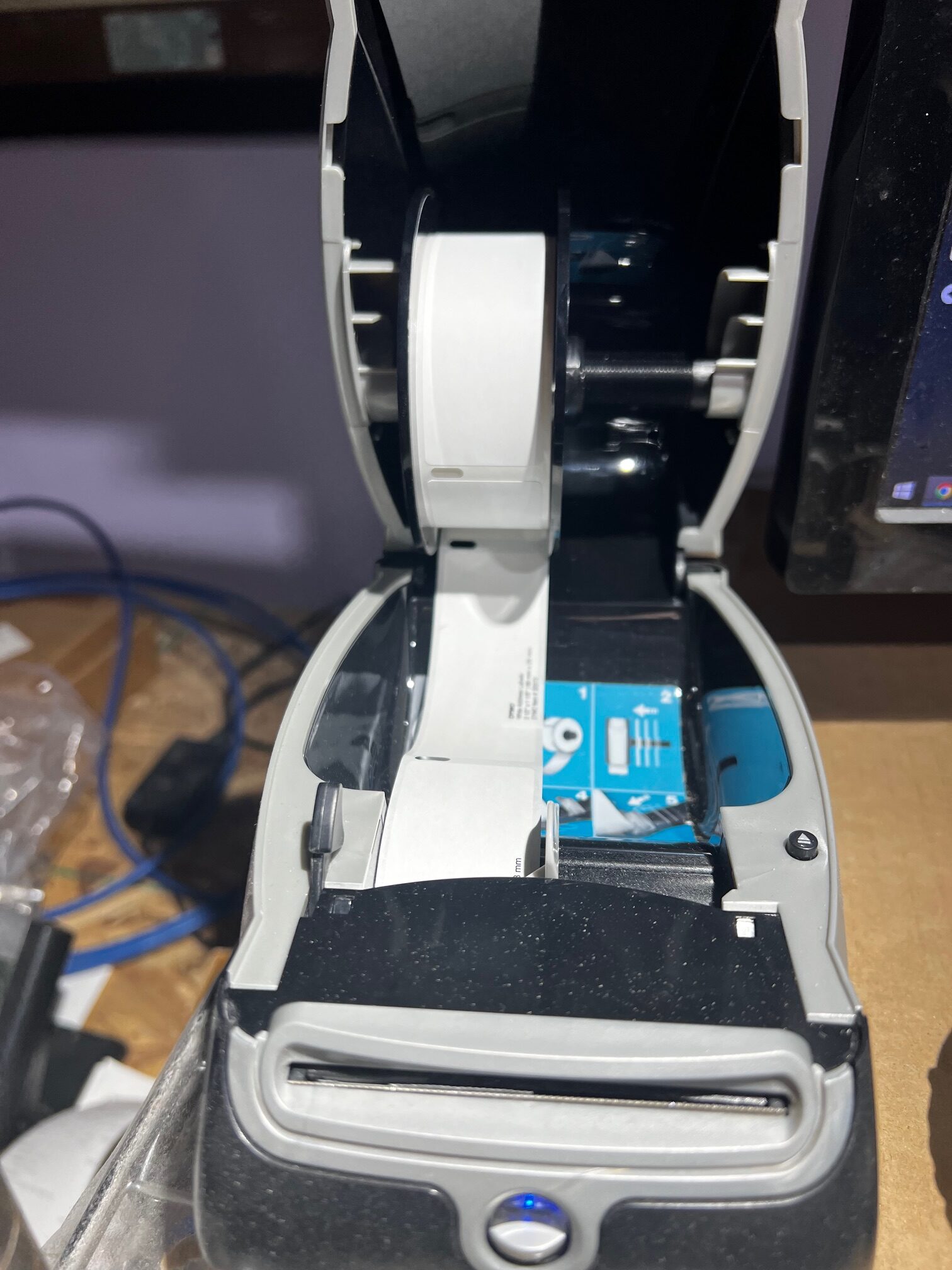
If a half label is in the printer press the front button to advance the feed and remove it.
Once the full label is confirmed loaded, open a Chrome browser window, and navigate to https://elev8.one
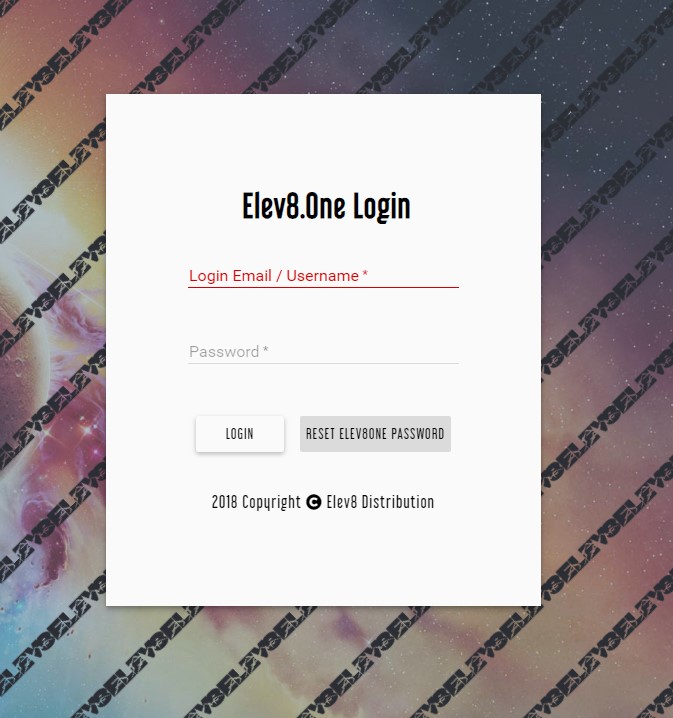
Login with your user name and password or if Elev8.one is already logged in to another user, proceed to Products.
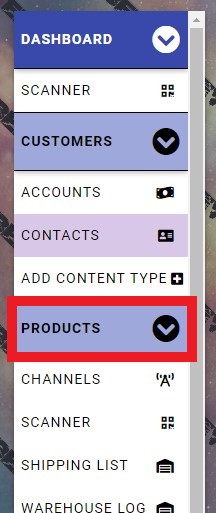
Once on Products, use the search field to type in the product you would like to print the label for.

If the product is one variant of a style you may need to sort through for the correct one (example Bangers)
Once the correct Product is located.
Click on the Hamburger Menu in the Top Left of the product Card.

Once the drop down menu opens, Left Click on Print Dymo

Give it a few seconds, after which the label should print out.
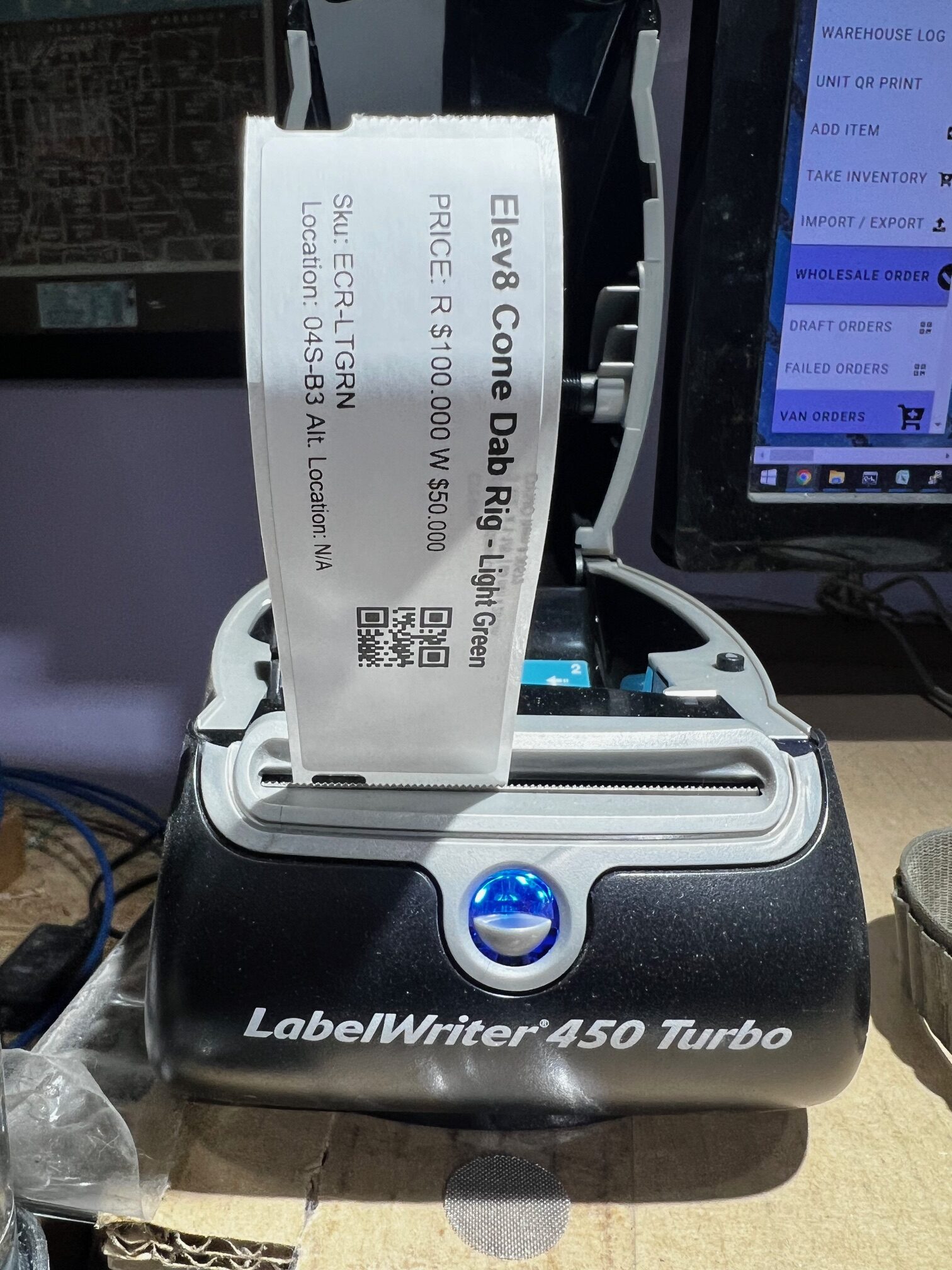 If you have additional tags to print, start the process back from the Product search field and locate the remaining products.
If this is the only tag you were looking to print, tear the label from the printer, and affix it to the location for the product.